
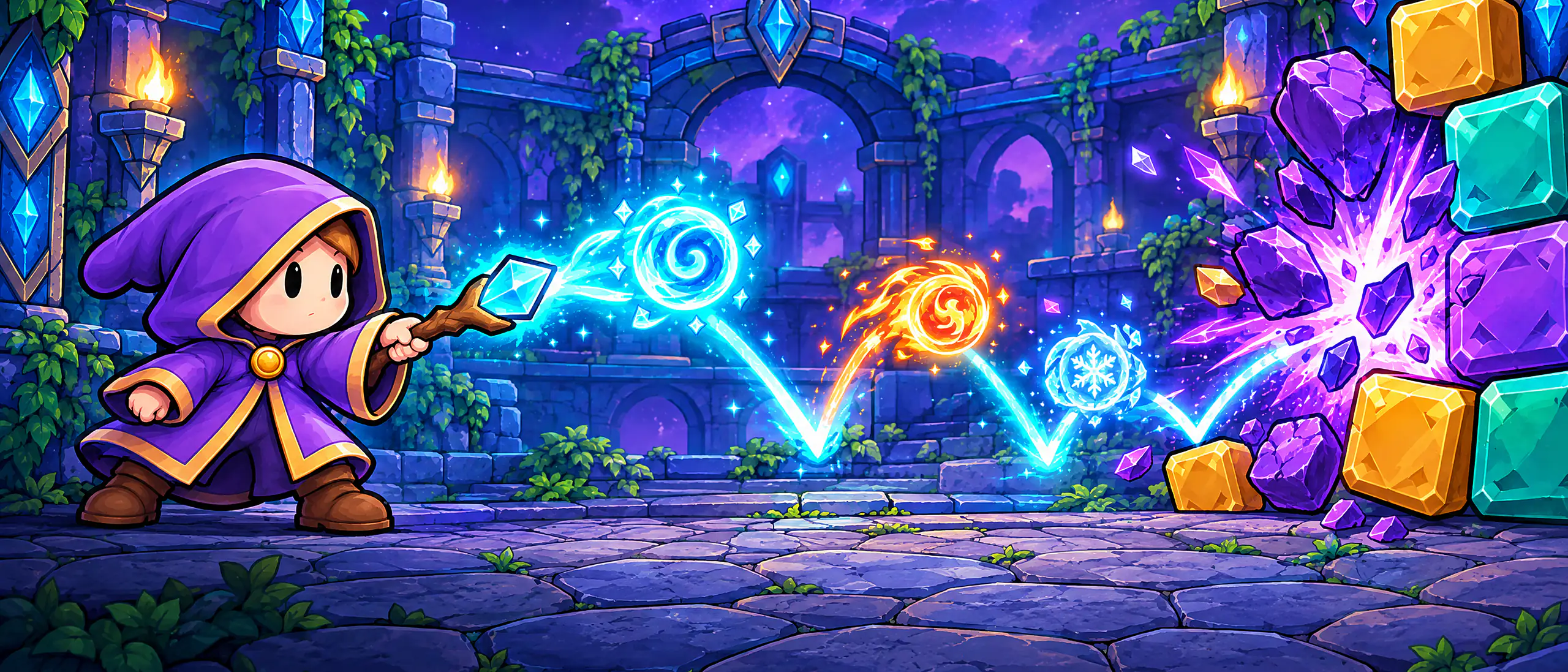
Bounce the magic orb, break the blocks and fuse spells to beat 10 guardians.
Free for iPhone and iPad. On Android, in closed beta.
How to play
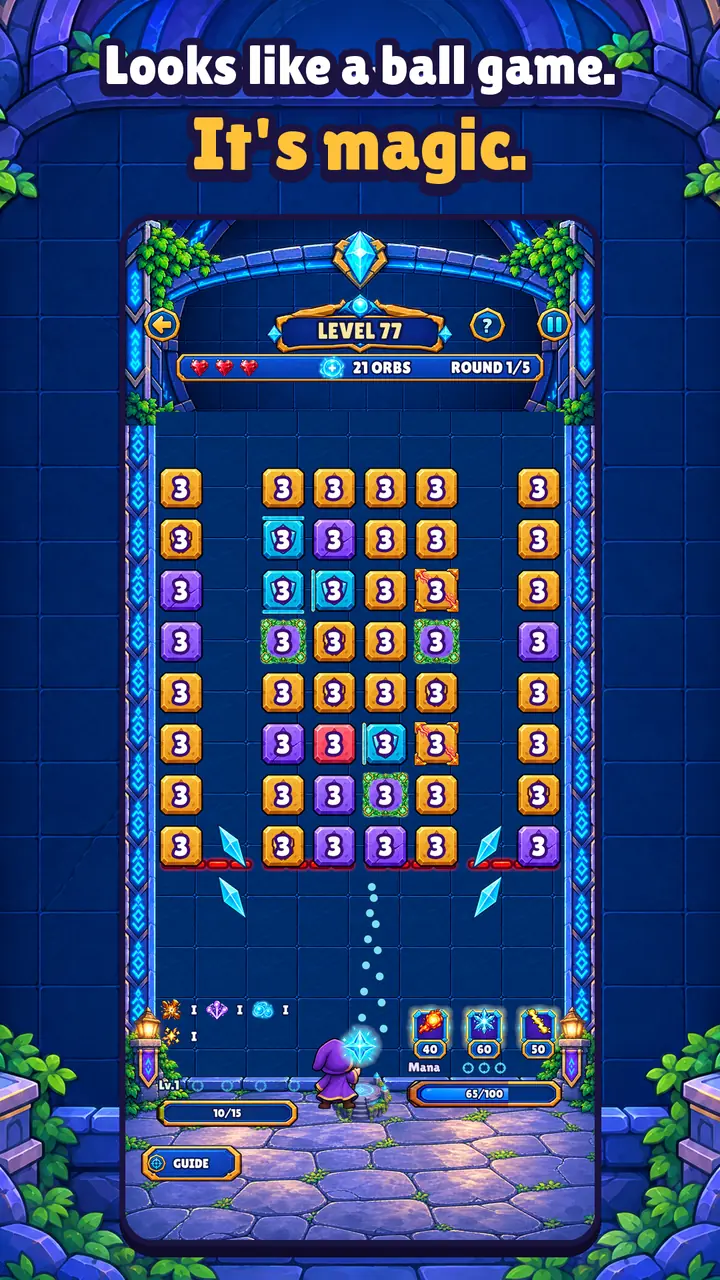
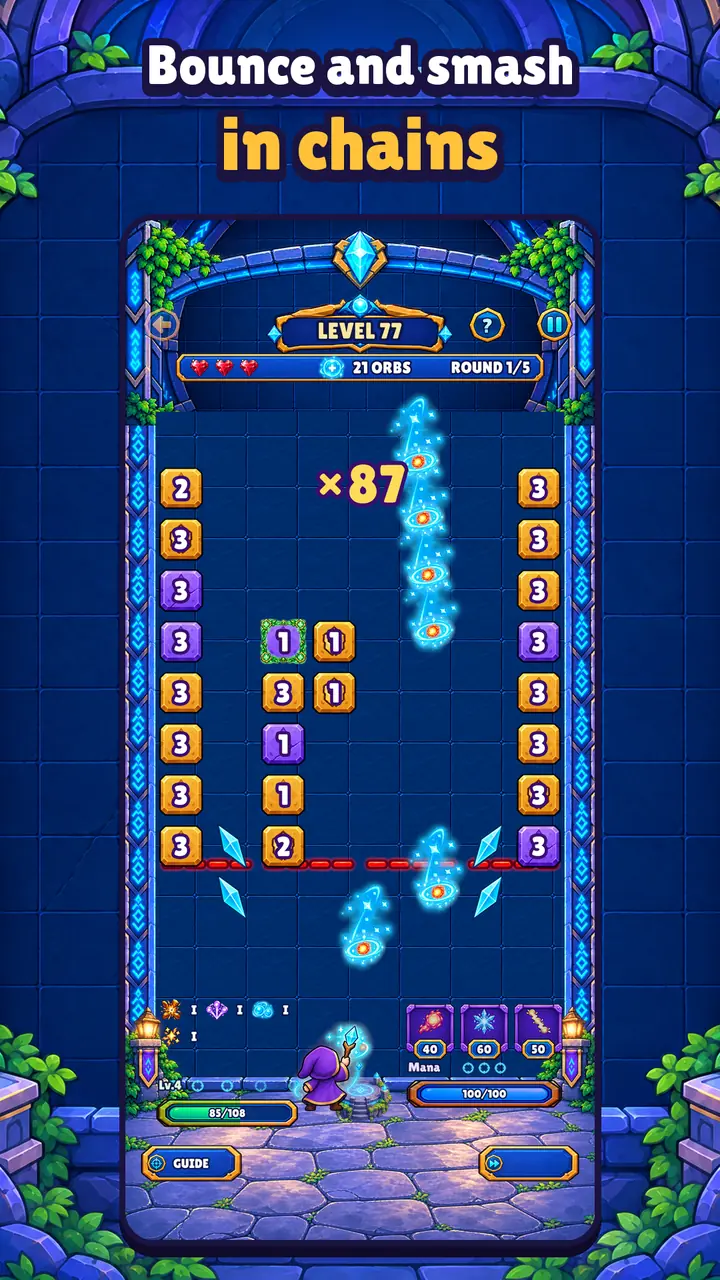
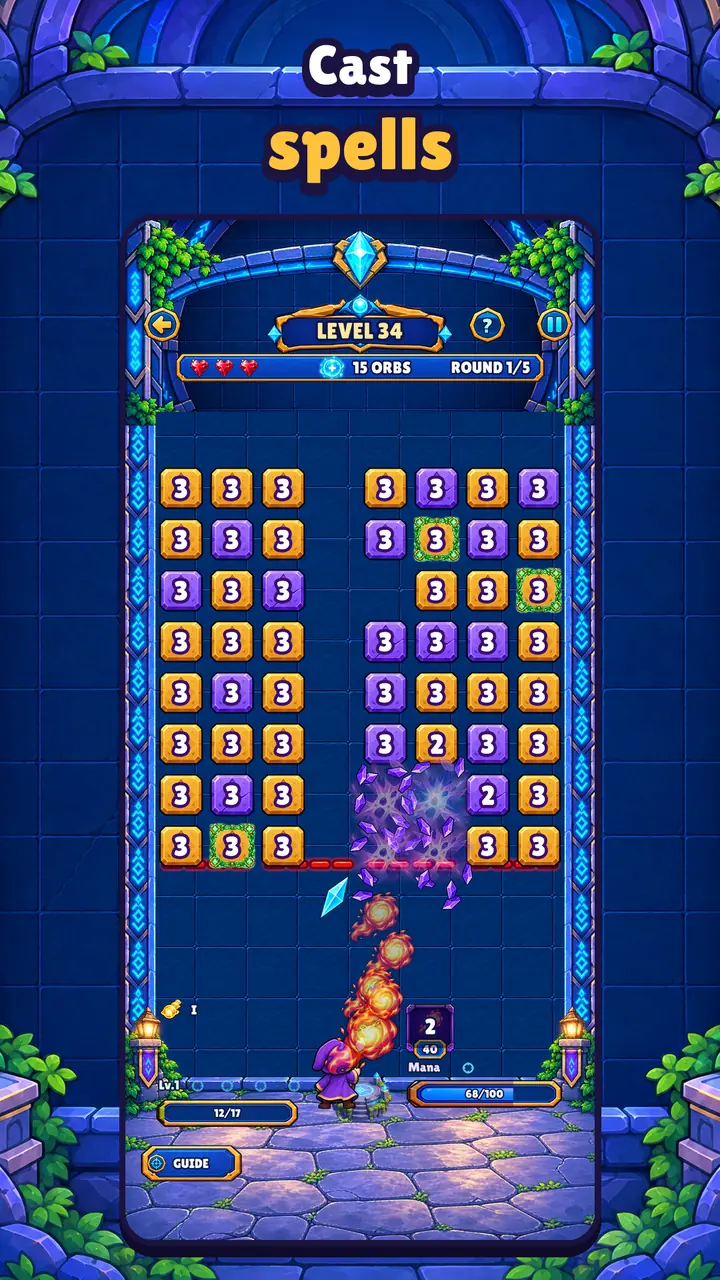
Aim, launch the orb and let it bounce. Every block shows a number: the hits it needs to break. If a block reaches the bottom, you lose a heart.
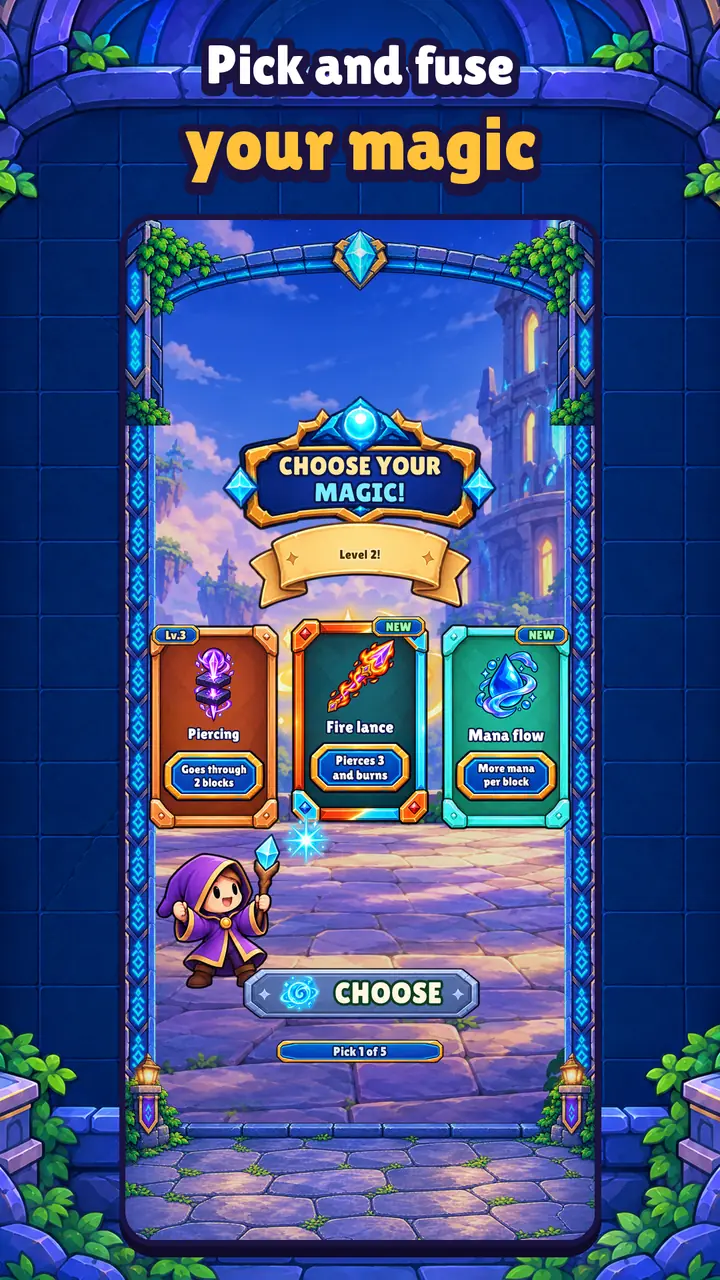
It looks like a ball game, but your orb is magic. Halfway through each level you pick 1 card out of 3 and your spell changes: fire that burns, ice that freezes, lightning that jumps from block to block, or a phoenix that saves you from defeat. Level your cards up and fuse two of them into a stronger one.
What's inside
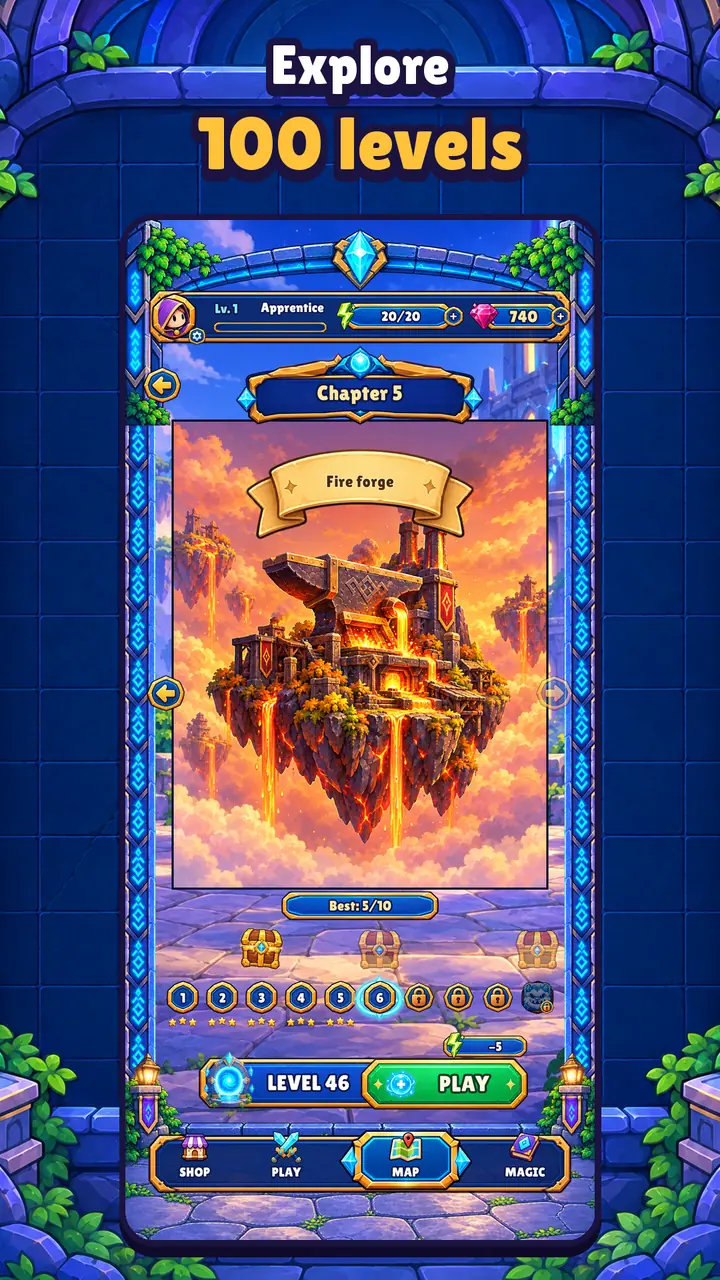
- 100 levels across 10 chapters.
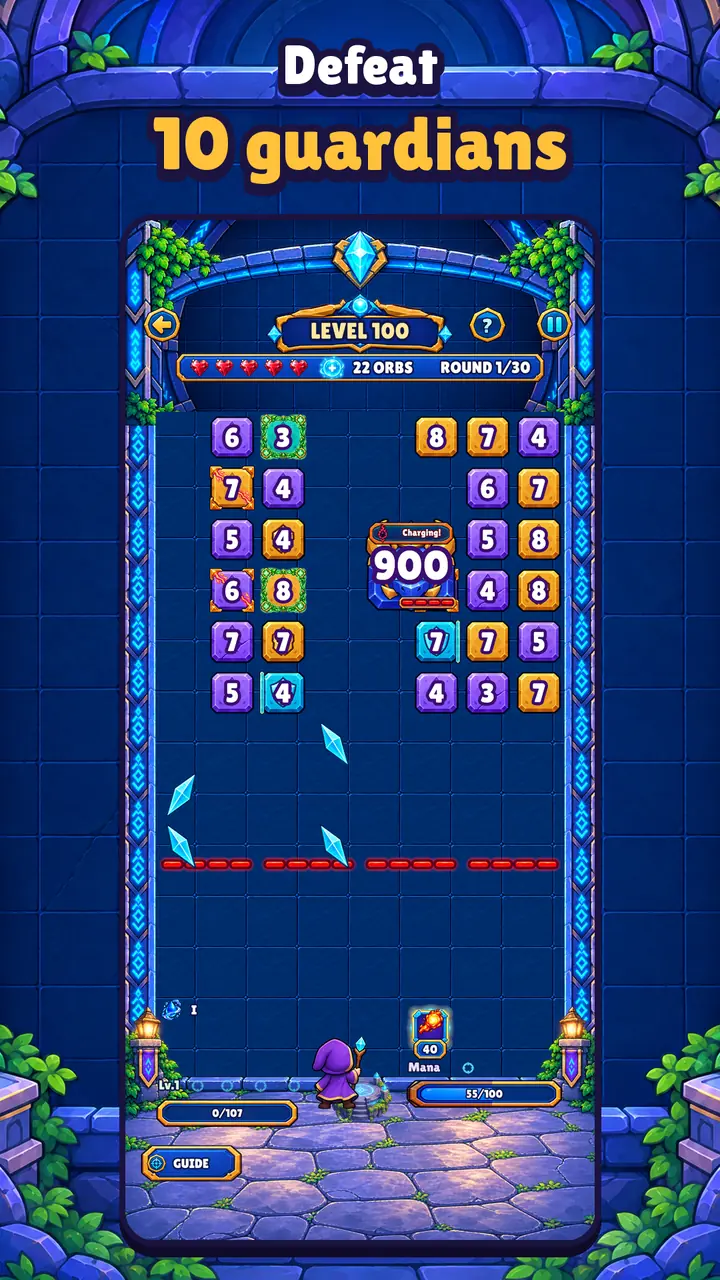
- A guardian at the end of every chapter, each with its own abilities.
- 25 spell cards with 3 levels, legendaries and fusions.
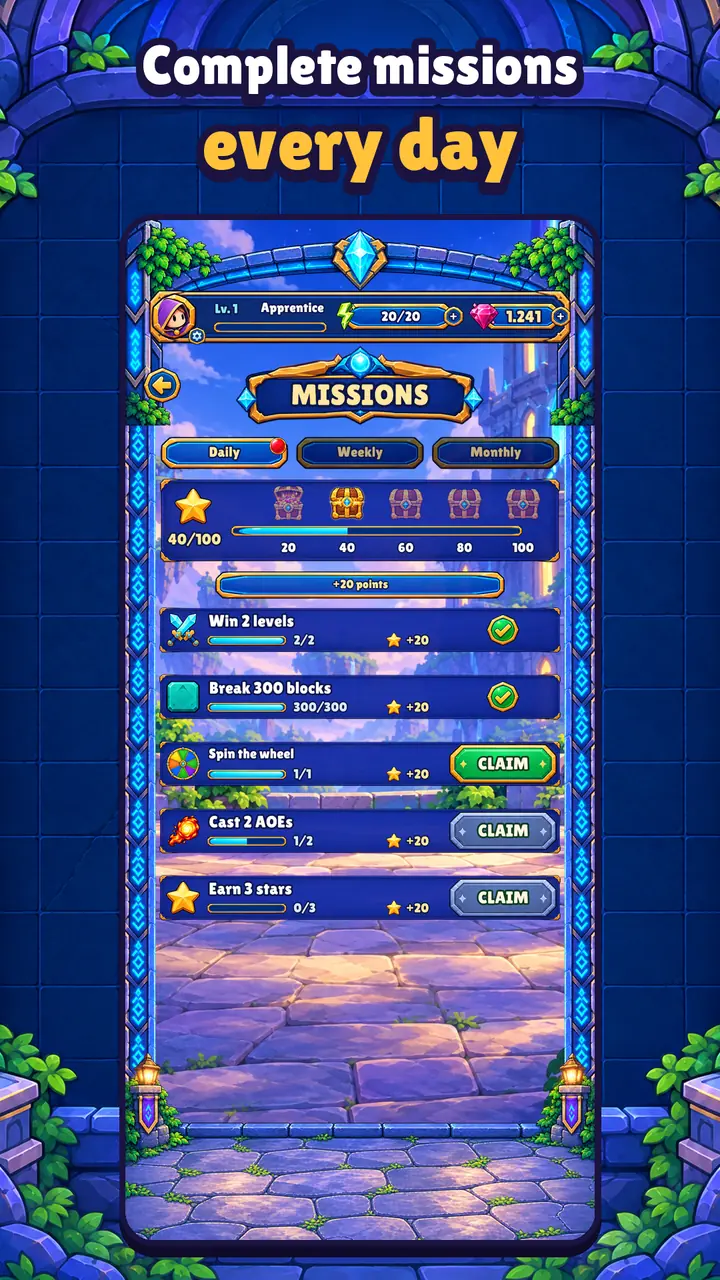
- Daily, weekly and monthly missions with gems, keys and an exclusive outfit every month.
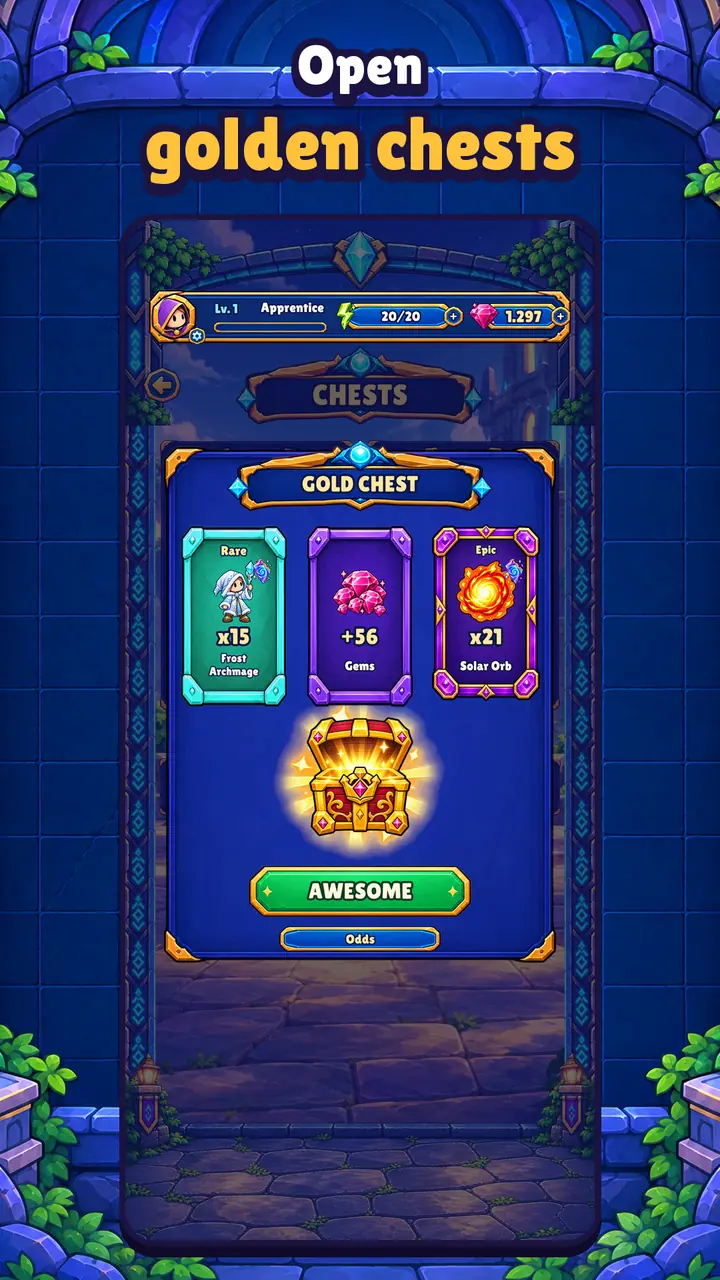
- Silver and gold chests with shards to upgrade your wizard.
- Arsenal: orbs and spells that level up, and outfits for your wizard.
- A free wheel spin at the start of every level, and an altar that offers power at a price.
- Music and sound effects you can turn off separately.
Short sessions
A level takes a few minutes and you play it with one finger. Your progress is saved on your phone, with no accounts or sign-up.
Free, and ads only when you ask
Arcane Bounce is free. It has optional gem purchases and rewarded ads that you only see when you ask for them, to get energy, revive or double the gems from a win.
No ads between screens and no banners.
Screenshots
Where to play

iPhone and iPad
Out now on the App Store.
 (opens in a new tab)
Android
Closed betaIt isn't on Google Play yet, but you can try it now as a tester in three steps.
Join the testers group
It's a Google Group: anyone joins with one click using their Google account.
Group address: testers-arcanebounce@elrincondeisma.com
Join the group (opens in a new tab)Accept the tester invite
Open the Google Play testing page with that same account and accept the invite.
Become a tester (opens in a new tab)Install it from Google Play
That page takes you to the game's Google Play listing. Install it on your phone and play.
Use the same Google account for the group and on your phone.
Keep it installed and open it now and then for 14 days: Google requires it before the app can be published.
Something not working?
Write to me from the help page. And if you want to know what data the game uses, it's all in its privacy policy.